What Codex Uses MCP For
Outcome
By the end of this lesson, you should be able to explain this in one sentence:
You learn Codex by using it to create focused, inspectable MCP capabilities it can call safely.
Before You Start
Open these three surfaces before you begin:
- The Codex app, signed in and pointed at a local project folder.
- A browser tab for RapidAPI so you can subscribe to the example business-data endpoint later.
- This course page so you can compare your Codex session against the guided checkpoints.
OpenAI's Codex app documentation is the source for this course's working surface: use the Codex app for prompting, reviewing changes, checking Git state, opening settings, and inspecting the built-in terminal.
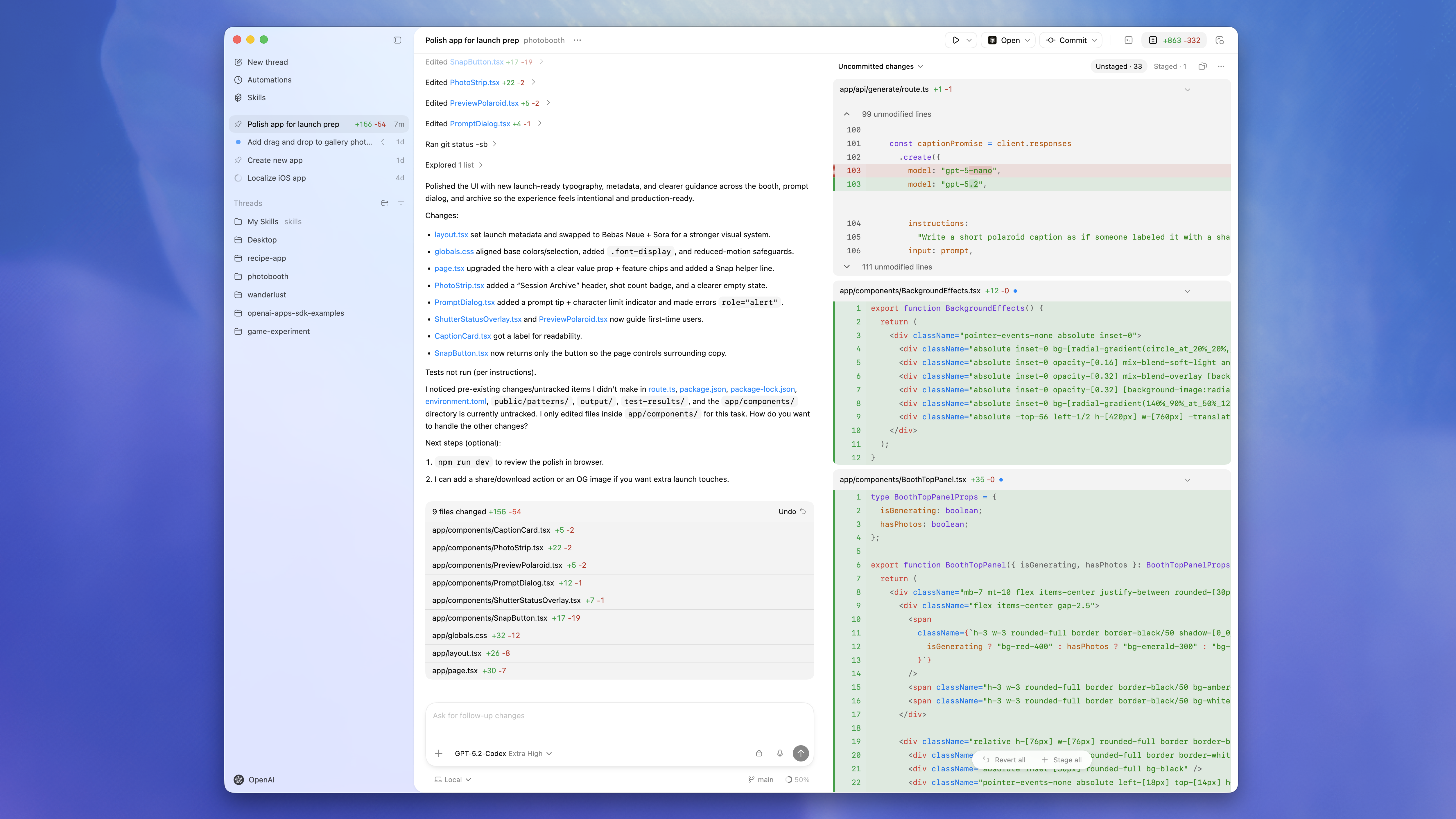
Mental Model
- You name a business question that comes up repeatedly.
- You open the Codex app and ask Codex to use its MCP-building skill to turn that question into a narrow tool contract.
- You create an MCP server inside the Codex engineering environment.
- The MCP server exposes a tool, resource, or prompt through a strict contract.
- Codex calls the MCP, reads the response as evidence, and helps you decide the next operator action.
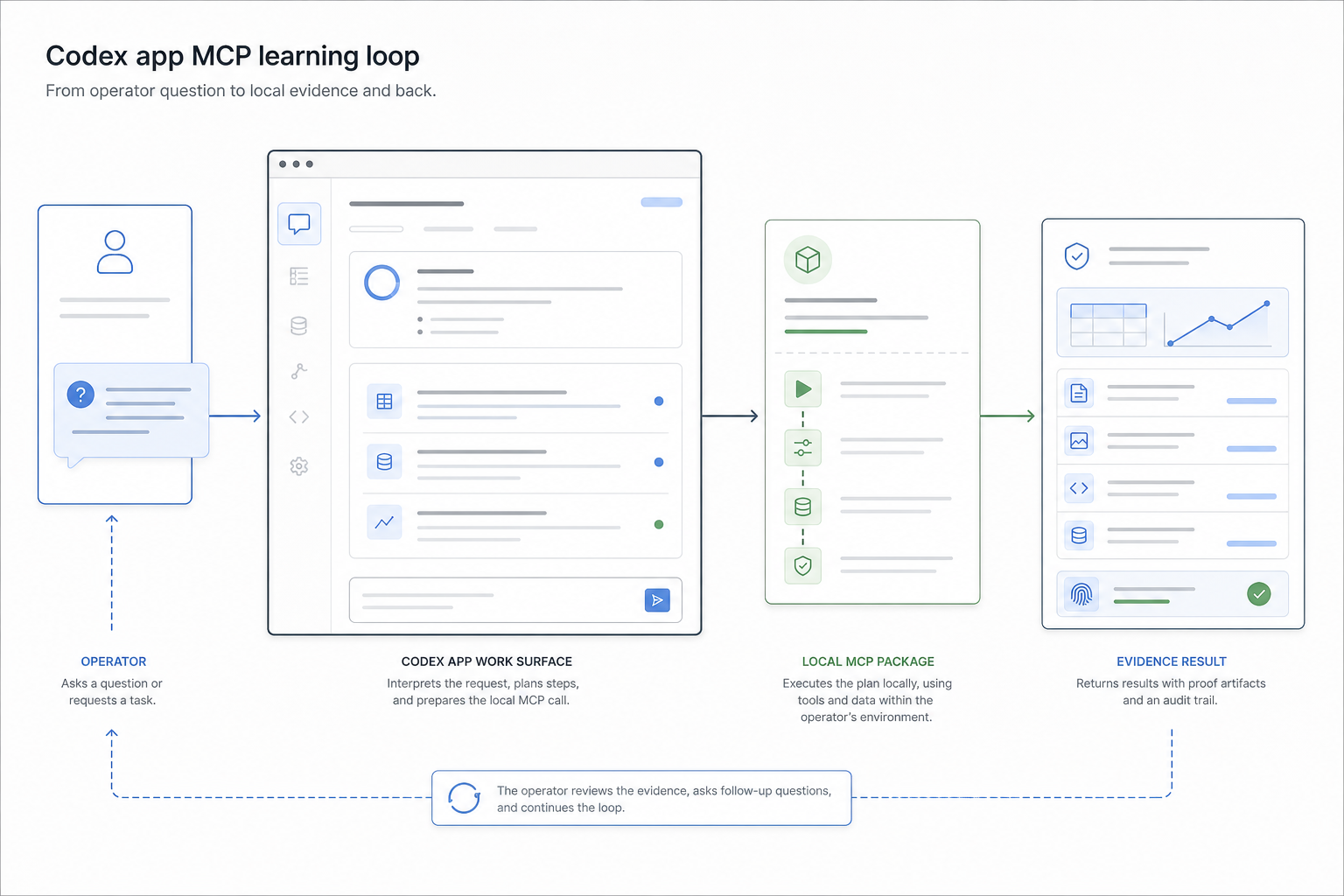
Codex Skill Loop
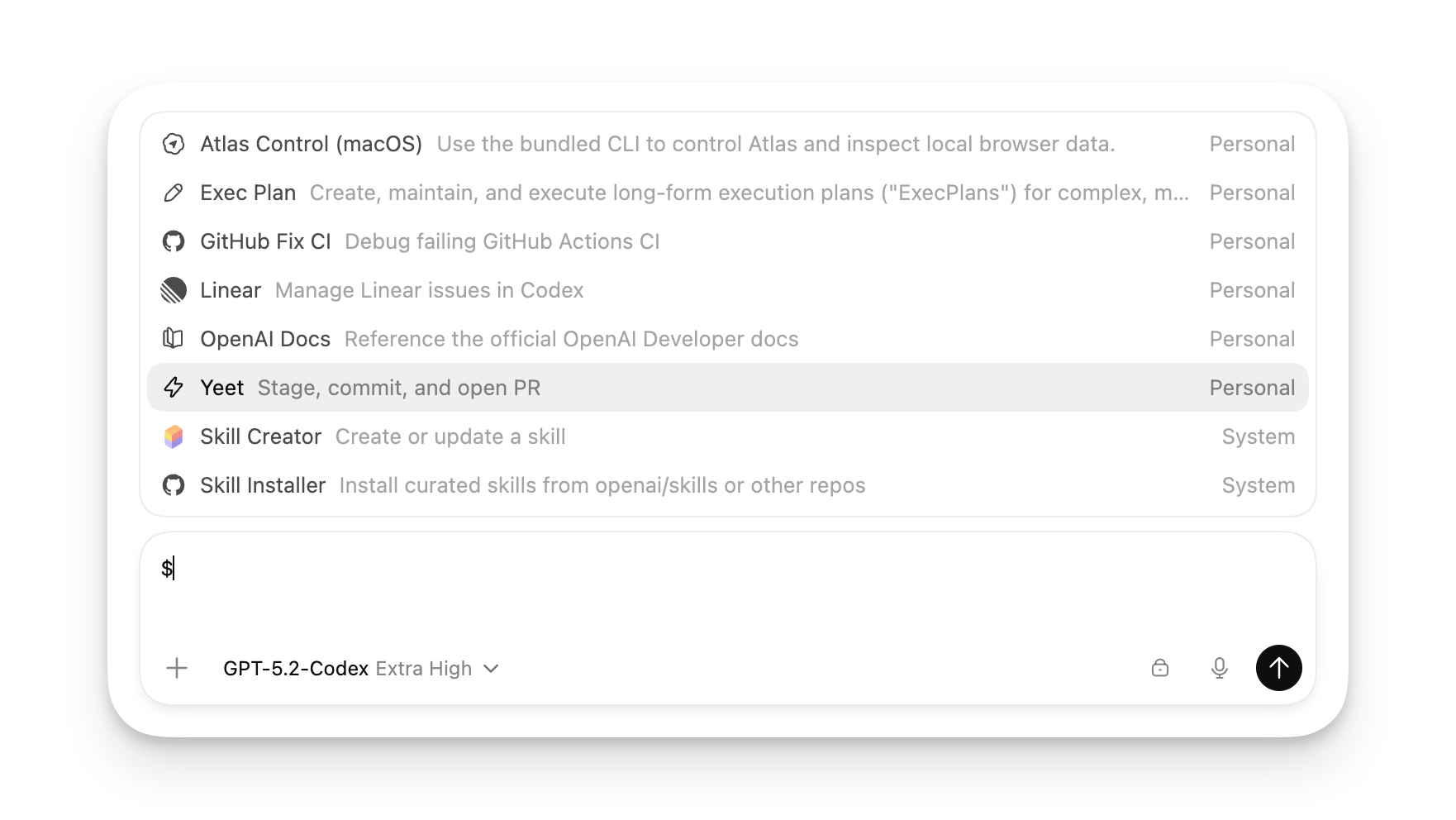
This path should use the MCP-building skill that is available inside the Codex app. Treat the skill as the teaching assistant for the build:
- first, ask it to plan the MCP server and tool contract;
- next, ask it to review the TypeScript SDK shape, schemas, output, annotations, and errors;
- then ask it to help debug build, Inspector, and Codex config failures.
The skill should not hide the implementation from the learner. Its job is to keep Codex on the correct MCP-building rails while the operator can still see the package, code, config, and test evidence.
Use the terminal only as a support surface for build commands, local files, and server output. The learning experience should introduce operators to Codex as an OpenAI app they can return to, not as a command-line product.
When To Build An MCP
Build an MCP when a capability should be more repeatable, inspectable, and bounded than an ad hoc browser search, spreadsheet copy-paste, shell command, or chat instruction.
Examples:
- Search local businesses in a market before choosing vendors, partners, or prospects.
- Pull project-specific status from an internal API.
- Normalize a recurring research step into structured rows.
- Produce a standard handoff note after a workflow check.
Do not build an MCP just to hide a vague workflow behind a tool. Codex works best when each tool has a narrow verb, explicit inputs, actionable failures, and an output that can be checked.
MCP Primitives
- Tools perform actions. This course starts here because tools are the most direct way to give Codex a new engineering capability.
- Resources expose read-only context. Use them for durable facts, docs, logs, records, or generated artifacts that Codex should inspect.
- Prompts package repeatable workflows. Use them when the instruction pattern matters as much as the data.
Protocol Note
This walkthrough uses the Model Context Protocol documentation, the TypeScript MCP SDK, and JSON-schema-shaped tool contracts through Zod. It does not require Protocol Buffers or .proto files.
OpenAI's Codex MCP documentation describes MCP as the way Codex connects to tools and context, including local stdio servers and streamable HTTP servers. This course starts with local stdio because it is the shortest path to a visible, inspectable first server.
Agentic Engineering Standard
A useful Codex MCP tool should have:
- a focused name like
find_local_businesses, not a broad name likedo_market_research; - a Zod schema with constraints and descriptions;
- deterministic output where possible;
- structured data for Codex to inspect;
- clear error messages with next steps;
- no secrets committed to source;
- safe behavior for writes, including preview, confirmation, evidence, and rollback notes.
Avoid tools that silently mutate production, expose unbounded shell execution, return ambiguous prose only, or require Codex to guess whether a call succeeded.
Course Goal
You will use the Codex app to build one local MCP server that connects Codex to RapidAPI Local Business Data.
At the end of this course, you should be able to:
- use the MCP-building skill inside Codex as a planning and review loop,
- scaffold a stable TypeScript MCP server,
- add one validated RapidAPI-backed business search tool,
- register the server back into Codex,
- debug failures with Inspector and Codex config checks,
- and package the server for reuse.
Official References Used
- Codex app: install, sign in, select a project, and send the first message.
- Codex app features: skills, terminal, browser, image input, modes, threads, worktrees, and Git support.
- Model Context Protocol in Codex: how Codex connects to MCP servers and discovers tools and context.
- Codex best practices: prompt with a goal, context, constraints, and done criteria.
Next
Continue to Scaffold an MCP Server.