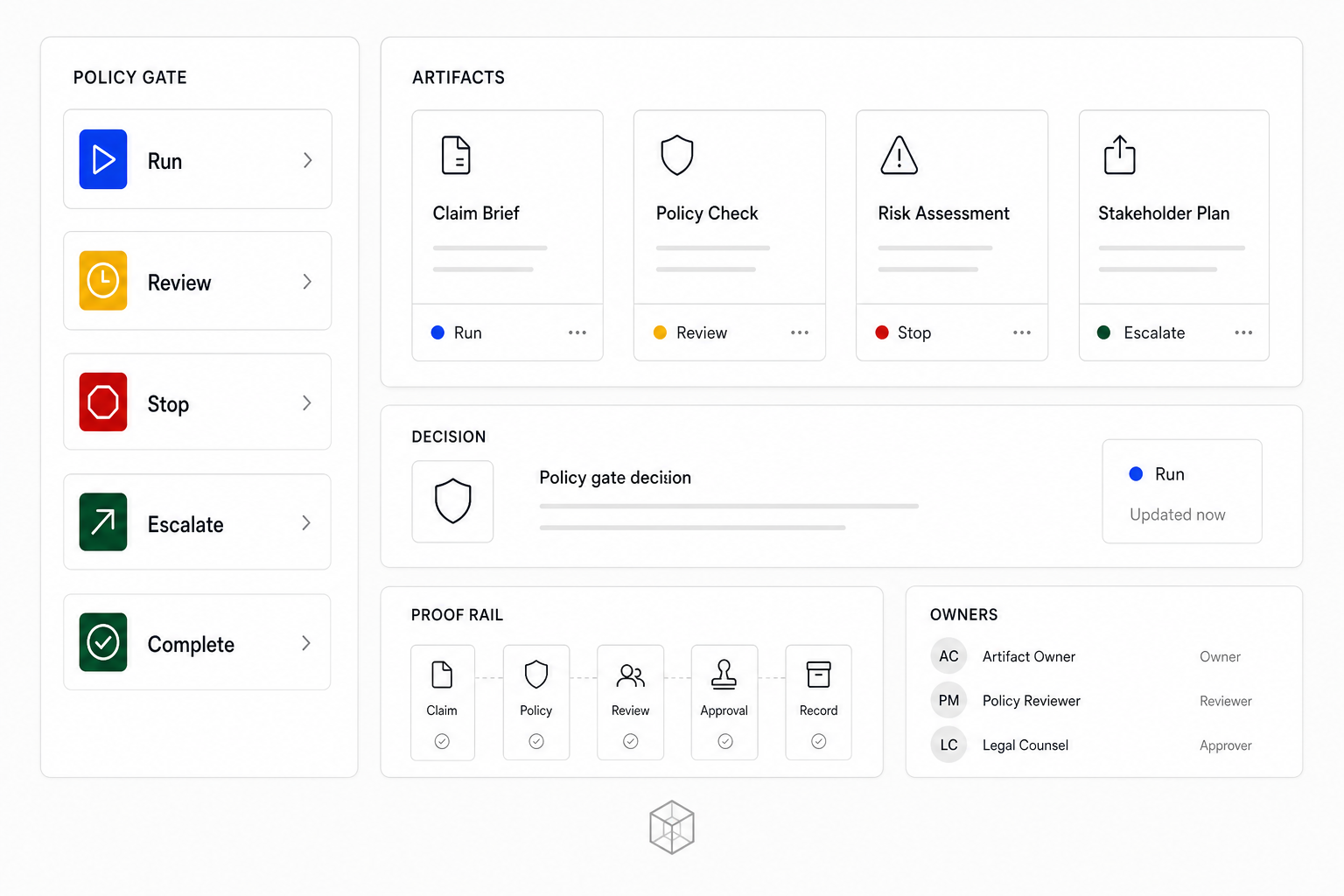
Policy is an artifact, not just a prompt. A workflow image should show the policy gate before the action runs.
Canon uses simple states because operators need to decide quickly:
- Run: low-risk, bounded, and reversible.
- Review: useful, but needs human inspection before action.
- Stop: unsafe, vague, unowned, or outside scope.
- Escalate: route to a qualified owner or specialist.
- Complete: record the receipt and next action.
Where to place gates
Place a gate at any point where the workflow changes risk:
- Before writing to a CRM.
- Before contacting a prospect.
- Before publishing content.
- Before spending money.
- Before deleting, replacing, or overwriting records.
- Before using private customer data outside its intended context.
The gate should name the owner. "Needs review" is weaker than "Owner reviews before CRM write".
Operator exercise
Add a policy gate to your MCP workflow:
Action:
Allowed state:
Review state:
Stop state:
Escalation owner:
Completion receipt:
Then ask Codex to check for missing stop conditions. The goal is not to slow down the workflow. The goal is to make safe acceleration possible.