Test, Debug, Iterate
Outcome
Set up a fast debugging loop so MCP failures are easy to reproduce, isolate, and fix.
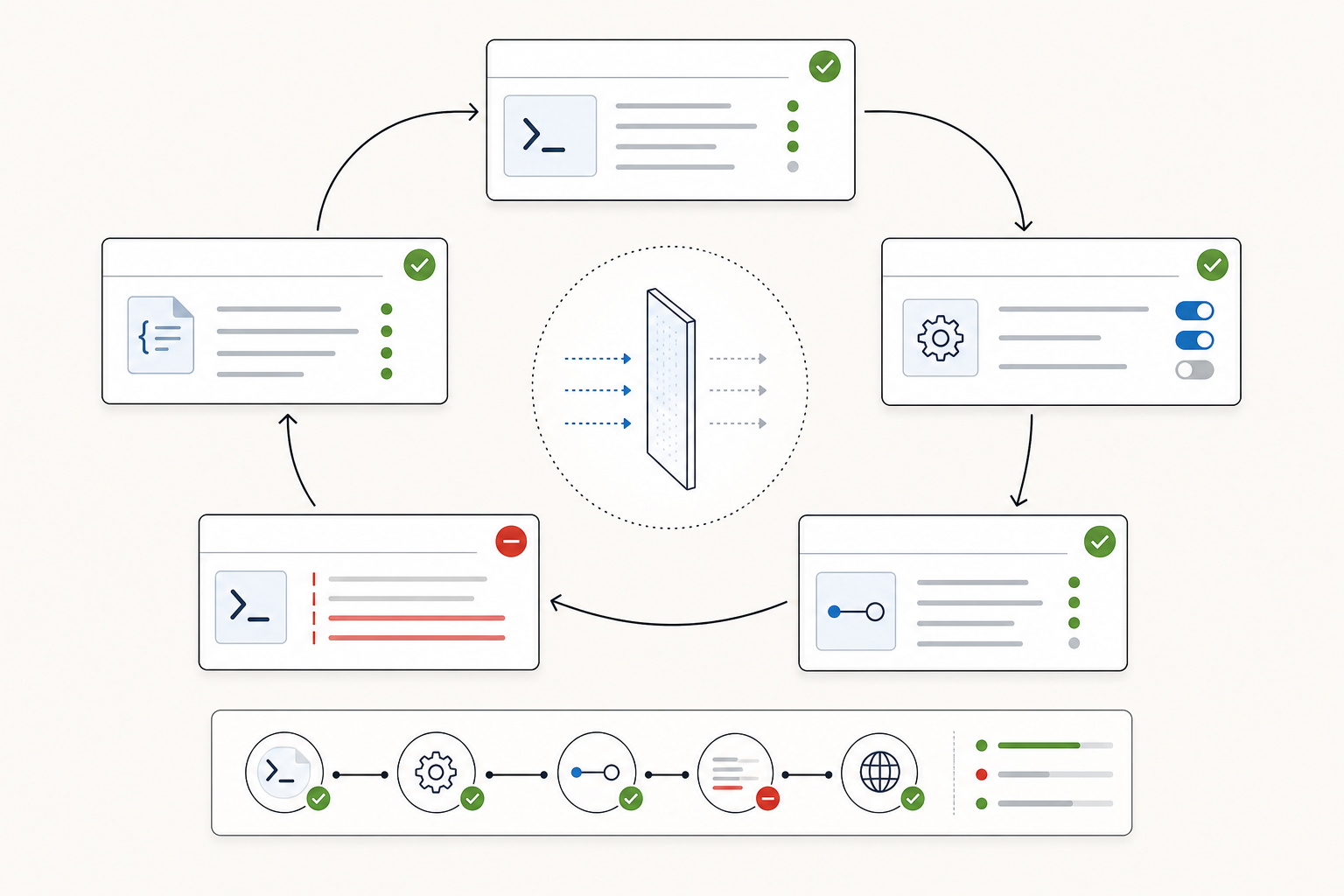
Common Failure Modes
- Build output missing (
dist/index.jsdoes not exist). - Wrong command/path in Codex MCP config.
- Server writes logs to stdout and corrupts the stdio protocol.
- Tool listed but argument shape mismatches schema.
RAPIDAPI_KEYis missing from the server environment.- RapidAPI subscription, rate limit, or query returns an API error.
- Tool hangs because a promise never resolves.
- Runtime error message does not tell Codex what to try next.
Quick Debug Checklist
- Ask Codex to use the MCP-building skill as a review checklist:
Use the MCP-building skill to review this local stdio MCP server.

Check the TypeScript build, tool registration, Zod input schema, outputSchema, structuredContent, annotations, stderr-only logging, Codex config, and actionable RapidAPI errors.
OpenAI's Codex best-practices guidance emphasizes giving Codex context and constraints. When debugging, paste the exact error, the expected behavior, the command you ran, and the "done when" condition so Codex can recover without guessing.
- Rebuild:
pnpm --filter @create-something/codex-demo-mcp build
- Confirm output file exists:
ls packages/codex-demo-mcp/dist
- Confirm the Codex app points to the right server command:
Open Settings -> Integrations & MCP, select codex-demo, and confirm the command, args, environment, and enabled state.
- Run the server through MCP Inspector:
npx @modelcontextprotocol/inspector node packages/codex-demo-mcp/dist/index.js
- Add temporary logs in
src/index.ts. Use stderr, not stdout:
console.error('[codex-demo-mcp] find_local_businesses called', { query, limit, region });
- Restart Codex session and run the same prompt again.
Failure Table
| Symptom | Likely Cause | First Check |
|---|---|---|
| Server is not listed | Config not loaded | Codex app MCP settings, then restart the session |
| Server listed but unavailable | Bad command, path, permissions, or env | Codex app MCP settings for codex-demo |
| Tool is missing | Registration code did not run | Inspector tool list |
| Arguments rejected | Schema and prompt do not match | Zod schema descriptions |
RAPIDAPI_KEY is missing |
Key not passed into the MCP server environment | Codex MCP config env block |
| RapidAPI returns 401 or 403 | Bad key or missing API subscription | RapidAPI dashboard |
| RapidAPI returns 429 | Rate limit or quota hit | Reduce limit, wait, or check plan |
| Call hangs | Handler never returns or awaits forever | Add stderr logs around each await |
| Protocol errors | Logs written to stdout | Replace console.log with console.error |
Keep the Operator Boundary
After find_local_businesses, do not jump straight to automated outreach. Add the next tool only when the workflow boundary is clear. Useful read-only extensions:
get_business_detailscompare_business_resultssummarize_market_snapshot
Keep each tool focused and deterministic.
For tools that write, require a safer contract:
- default to dry-run;
- require an explicit confirmation flag for mutation;
- return changed files, record IDs, or external URLs;
- report partial failure instead of hiding it;
- include a rollback note when rollback is possible.
Checkpoint
A working MCP is not just "the tool ran once." It is working when you can reproduce success, reproduce failure, and give Codex enough evidence to recover.
Capture this evidence before you ship:
- the successful build command;
- the Codex app MCP settings state;
- the Inspector tool list or call result;
- one successful Codex app prompt;
- one intentional failure with an actionable error message.
Official References Used
- Codex best practices: provide context, constraints, and clear done criteria.
- Codex app features: use the integrated terminal, browser, image input, and review surfaces while iterating.
- Model Context Protocol in Codex: Codex MCP support and configuration model.
Next
Continue to Ship and Extend.