Ship and Extend
Outcome
Package your MCP so it is easy to reuse, inspect, and improve without changing the tool contract accidentally.
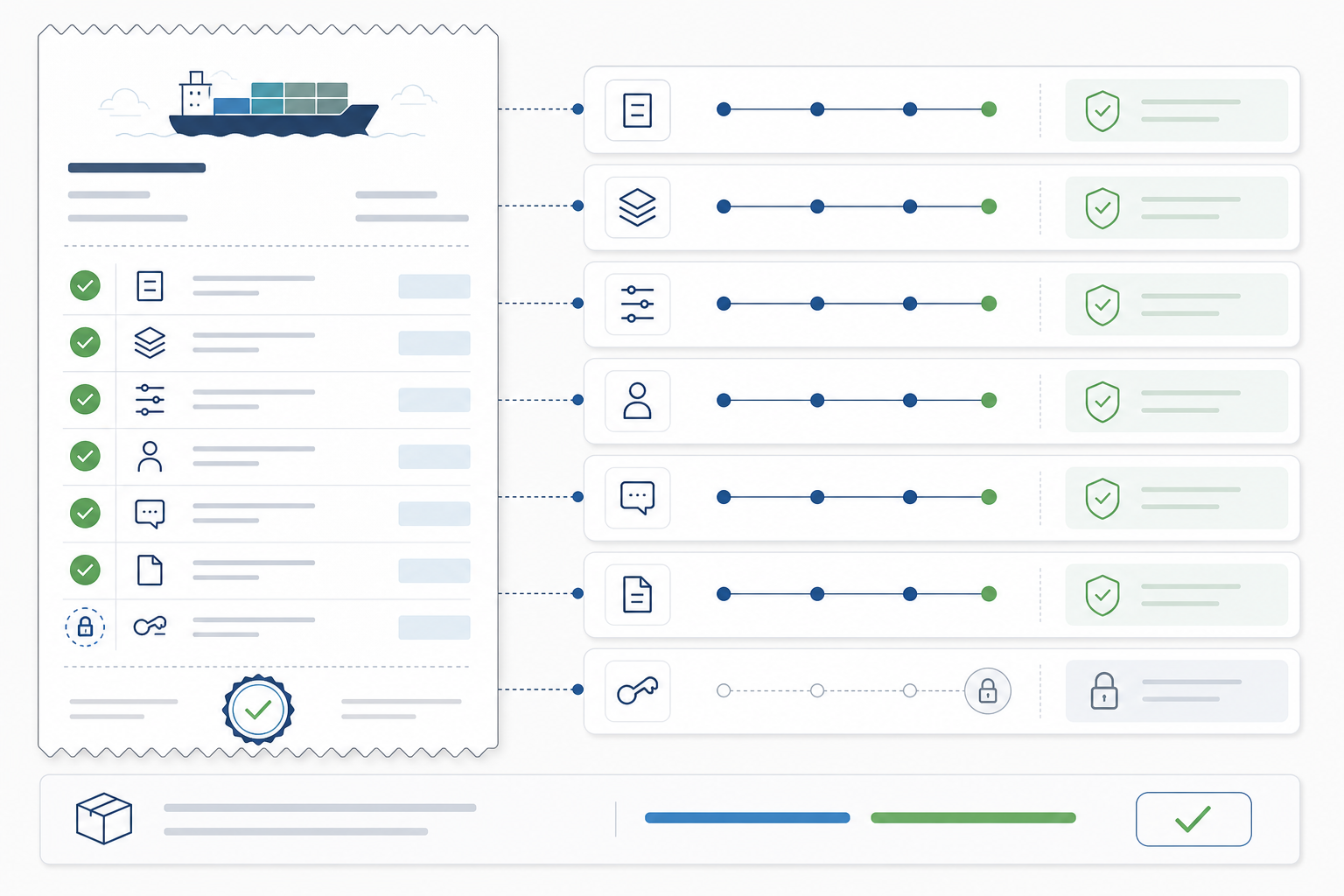
Ship Checklist
README.mdexplains purpose, install, config, tools, security posture, and examples.pnpm --filter @create-something/codex-demo-mcp buildworks from a clean checkout.- Codex app MCP settings show
codex-demoenabled with the expected command, args, and environment. - One MCP Inspector call and one Codex app chat call have been tested.
- Tool names, input schemas, and output schemas are treated as public contracts.
- Errors include what failed, why it matters, and the next check.
- Read tools are clearly read-only.
- Write tools have dry-run, explicit confirmation, evidence, and rollback notes.
- Secrets live in local config or a secret manager, not in source.
- RapidAPI usage is bounded by small limits and documented quota expectations.
- Changes to tool behavior are captured in a versioned changelog.
Suggested Next Tools
get_business_details- fetch deeper read-only details for one selected business.compare_business_results- normalize ratings, review counts, website presence, and verification into a short comparison table.summarize_market_snapshot- produce a standard operator note with query, top results, caveats, and recommended next check.export_business_snapshot- write a local markdown or CSV artifact only after an explicit file path is provided.
Do Not Ship If
- The tool shells out to arbitrary user input.
- Writes happen without dry-run or confirmation.
- Output is vague prose with no structured evidence.
- Logs go to stdout on a stdio server.
- The server depends on secrets that are only present on your machine.
- The workflow performs outreach, CRM writes, enrichment scraping, or paid high-volume calls without an explicit approval boundary.
- Codex has to guess whether the tool succeeded.
Course Complete
You now have the core skill this platform focuses on:
Use the Codex app effectively by giving it custom, inspectable business capabilities.
Final Operator Receipt
Before calling the course complete, write a short receipt that another operator could follow:
MCP name:
Business question it answers:
Read-only tools:
External APIs reached:
Secrets required:
Build command:
Codex app registration proof:
Inspector proof:
Codex chat proof:
Known limits:
Next safe extension:
Approval required before:
This receipt is the handoff artifact. It proves that the learner did not only copy code; they created a bounded Codex capability with visible evidence and a next safe step.
If you can add and validate a new tool quickly, you are ready to build domain-specific MCP servers for real AI-native operator workflows.
Official References Used
- Codex app: Codex app project, chat, review, terminal, Git, and worktree surfaces.
- Codex app settings: MCP server configuration and integrations surface.
- Codex best practices: prompt, review, configuration, and MCP usage habits.